Finally, Toshiba announced its Ultrabook model,a little bit overpriced. It is the Portege Z830 model, that will be available from November his year. It features a 13.3 LED backlit display with resolution of 1366×768 pixels.…
Introduction With it’s Intel Core i3 processor and 4 Gigabytes of memory, and 500GB hard drive it’s a budget, but performance loaded notebook for everyday tasks. Comes in a few variants with Intel Core…
A few days ago, Google introduced the new mobile payment system with Google Wallet. For those who are not familiar, Google Wallet is a mobile app that stores your credit cards, offers, loyalty and gift…
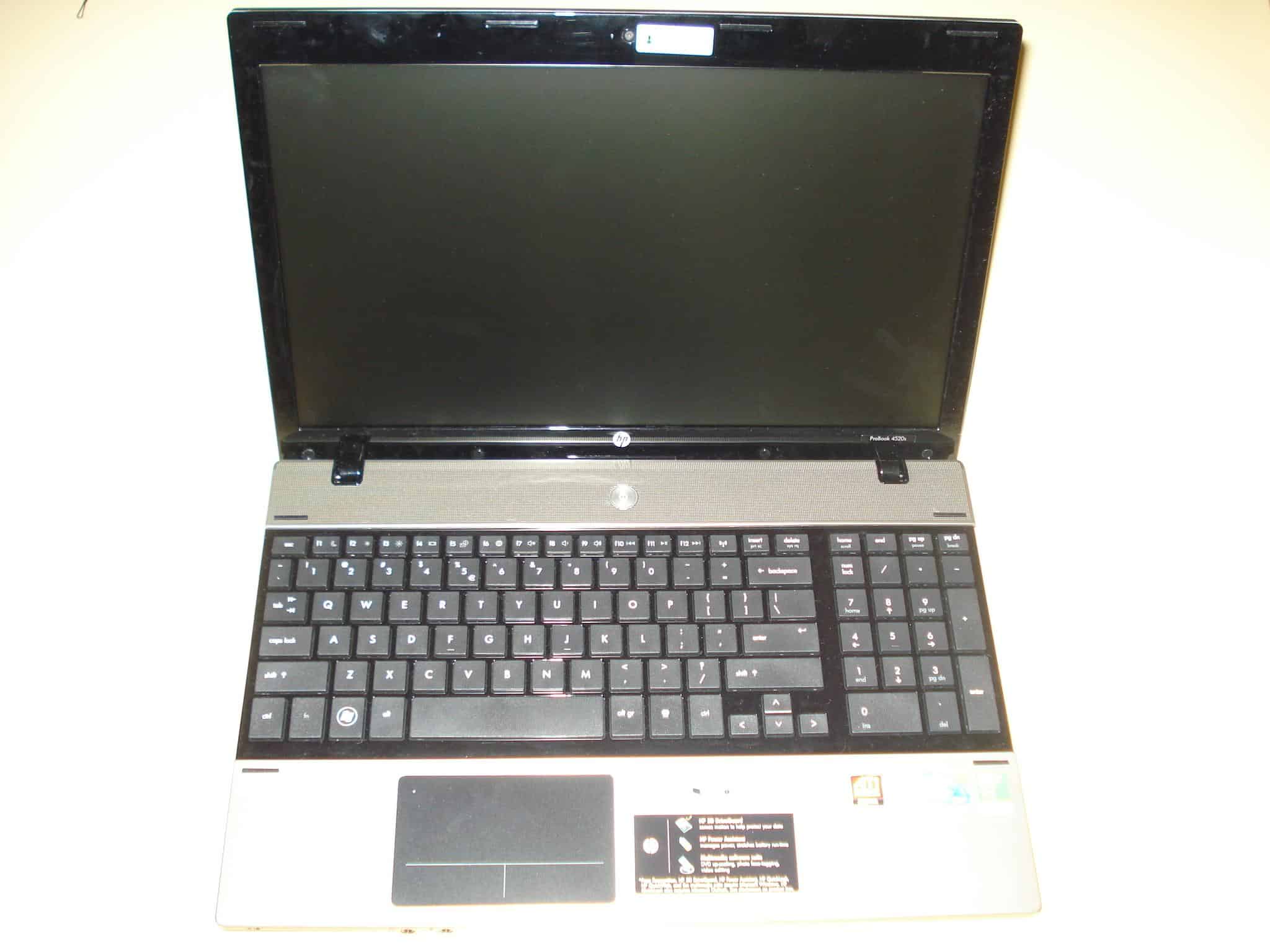
I know it kinda passed a while since this model is out, and there is a HP Probook 4530s already out there, but I had this charismatic little thing in silver or champagne color as they like to call it. I must say that this color really gives it a more open look and makes it even suitable for girls too, serious ones though. Equipped with the new Intel Core I3 processor, an ATI Mobility Radeon HD 6370, 4GB DDR3 ram, 640GB Hard Drive, Intel HM57 Express Chipset, 15.6 LED Backlit HD display with lots of ports like HDMI, eSATA, USB 2.0 (unfortunately), VGA.
Specs below:
Model: HP ProBook 4520s
The Dell Inspiron N5010 notebook again comes with either I3 I5 or I7 Intel processor, a 15.6″ 1366 x 768 LED monitor, ATI Mobility Radeon HD 5650 with 1GB DDR3 RAM, Intel® HM57 Express Chipset, Bluetooth, 3 x USB 2.0 ports, SRS Premium Speakers, 7in1 card reader, and a 6 cell battery.
Although the Inspiron line from Dell was originally intended to be an entry-level class, this notebook proves that they have started targeting the mid-class with it. The new Dell Inspiron N5010 got at our lab and we are proud to present this fine piece of craft. Of course Dell made it following the today’s standards with a fine aluminum case, equipped with a second generation Intel I5 processor and mid class ATI Mobility Radeon HD 5650, this model screams serious performance.
Specs ladies and gents:
If you find this review helpful and want to support us and this website to continue bringing you these unpaid reviews, and if you decide to buy this notebook, it would be of great help if you buy the Dell Inspiron N5010 from Amazon. They do provide great support and low prices.Thank You, Goce.
Model: Dell Inspiron N5010
The Dell Inspiron N5010 notebook again comes with either I3 I5 or I7 Intel processor, a 15.6″ 1366 x 768 LED monitor, ATI Mobility Radeon HD 5650 with 1GB DDR3 RAM, Intel® HM57 Express Chipset, Bluetooth, 3 x USB 2.0 ports, SRS Premium Speakers, 7in1 card reader, and a 6 cell battery.
UPDATE 2018: You can find the Asus F510UA i5 2018 model of this laptop here. The reviewed laptop is an older model, so please keep in mind. The linked 2018 Asus laptop is the one we recommend in 2018.
Introduction
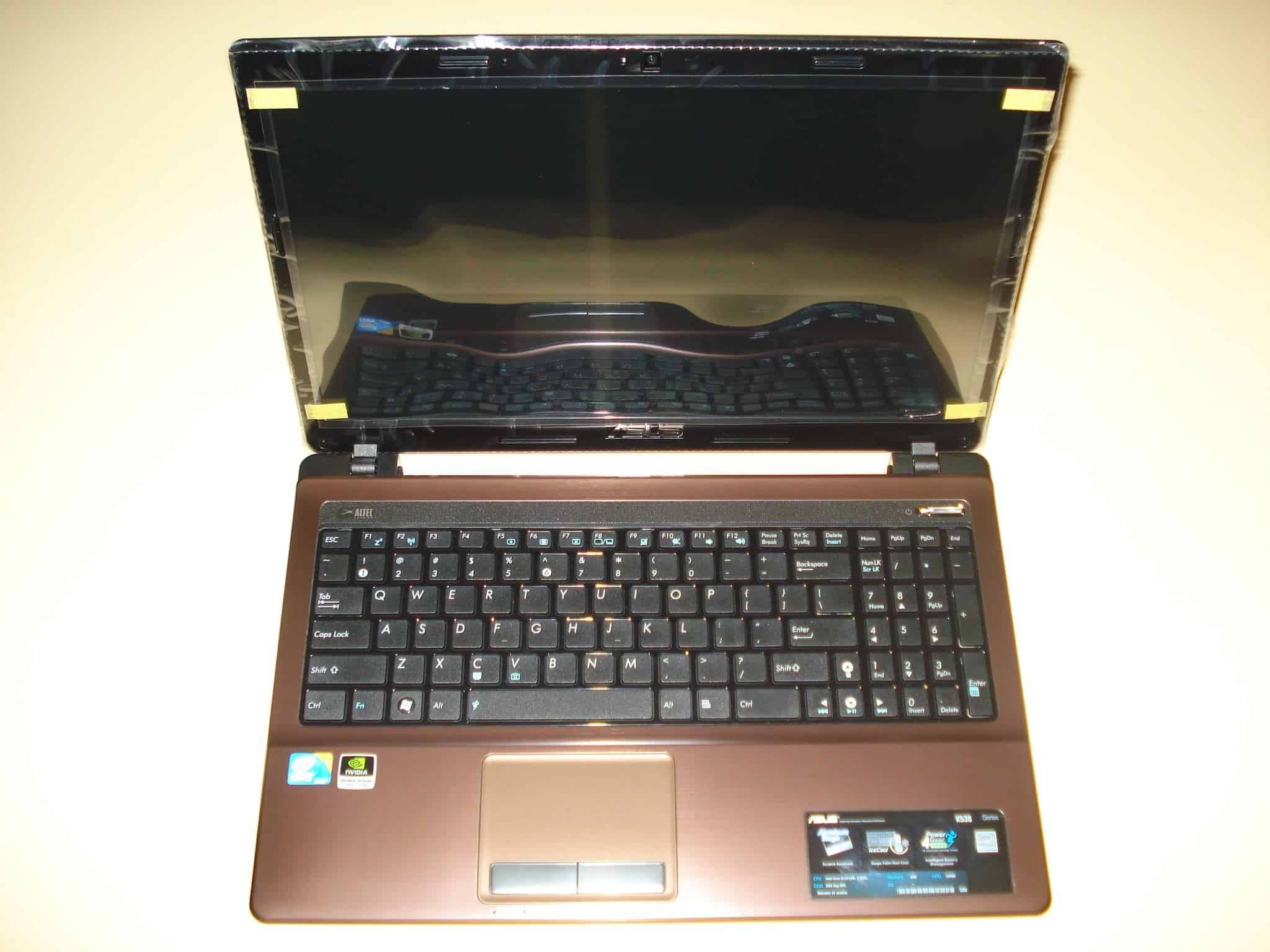
After the large success of the Asus K52 Model, which varied between 500-1000$ price range, comes it’s successor the new Asus K53. Understandably it has many advantages raging from a brand new aluminium case, better heating dispersion, new ergonomic chiclet keyboard, and of course the new Intel Core Processors of the second generation.
Asus K53SV
If you consider buying this laptop and this review helped you in any way, the most grateful thing you could do is use any of these links to buy your ASUS K53SV-A1 from Amazon. It is huge support for maintaining this website and for us to continue providing you with unbiased reviews. Thank you, Goce.
Let’s begin with the specs:
Model: Asus K53SV
The Asus K53SV notebook can contain any of the second generation I3 I5 or I7 Intel processors, a 15.6″ 1366 x 768 HD LED monitor, nVidia GeForce GT 540M with 1GB or 2GB DDR3 RAM, Intel® HM65 Express Chipset, Bluetooth 3.0, 3 x USB 2.0 ports, Altec Lansing Speakers, 4in1 card reader, and a 6 cell battery of 5200mAh.
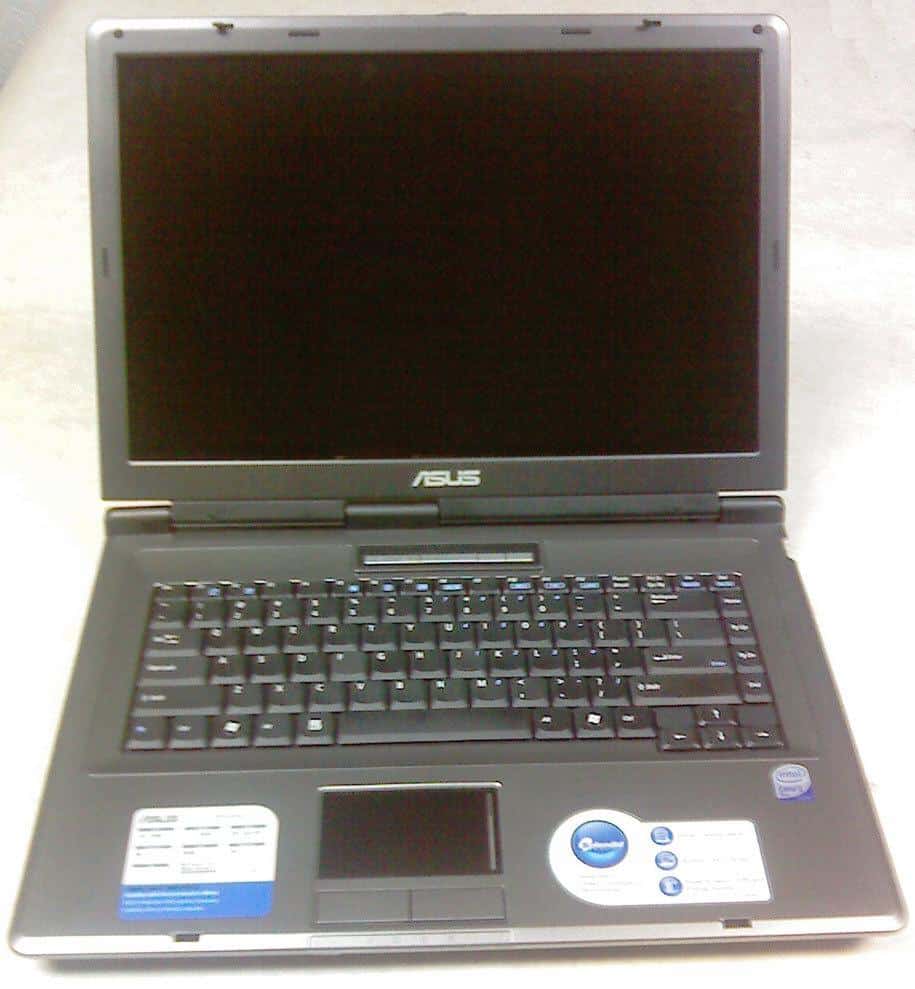
Sorry for the great delay of this review, I was very busy lately working on a new website project for downloading drivers, DriverLot.com. It’s been some time since I’ve published the Asus X51L unpacking video so now you can read the full review finally.
Design
Asus X51L Notebook Review
The notebook chassis is a typical for the lower and middle class Asus notebooks, sharp edges, not too thin, not too thick, mostly silver with black around the 15.4″ wide monitor. Simple yet good looking, a much better design than most of the notebooks in this class.
Inside it’s pretty straightforward, a nice keyboard with good response, no keypad which is good because the large touch-pad is placed right in the middle. It’s simplicity is dominating inside also, but the usefulness can be noticed while using it. There are also the hotkey buttons for power up, wireless switch and a power4gear mode switch which are nicely placed on line above the keyboard and have a blue led light in them.
It weights about 6.5lbs (or 2.94kg) with the battery, which is still not bad for a notebook of this class. The length of the legs are not that high, but enough to provide good airflow to cool the Core2Duo processor. What I like about this notebook is that is quite firmly made. The monitor is connected with the chasis with three hindges and there is no way that it can brake with excessive use.




 . They do provide great support and low prices.Thank You, Goce.
 . It is huge support for maintaining this website and for us to continue providing you with unbiased reviews. Thank you, Goce.