

HP Probook 4520s Review
Introduction
I know it kinda passed a while since this model is out, and there is a HP Probook 4530s already out there, but I had this charismatic little thing in silver or champagne color as they like to call it. I must say that this color really gives it a more open look and makes it even suitable for girls too, serious ones though. Equipped with the new Intel Core I3 processor, an ATI Mobility Radeon HD 6370, 4GB DDR3 ram, 640GB Hard Drive, Intel HM57 Express Chipset, 15.6 LED Backlit HD display with lots of ports like HDMI, eSATA, USB 2.0 (unfortunately), VGA.
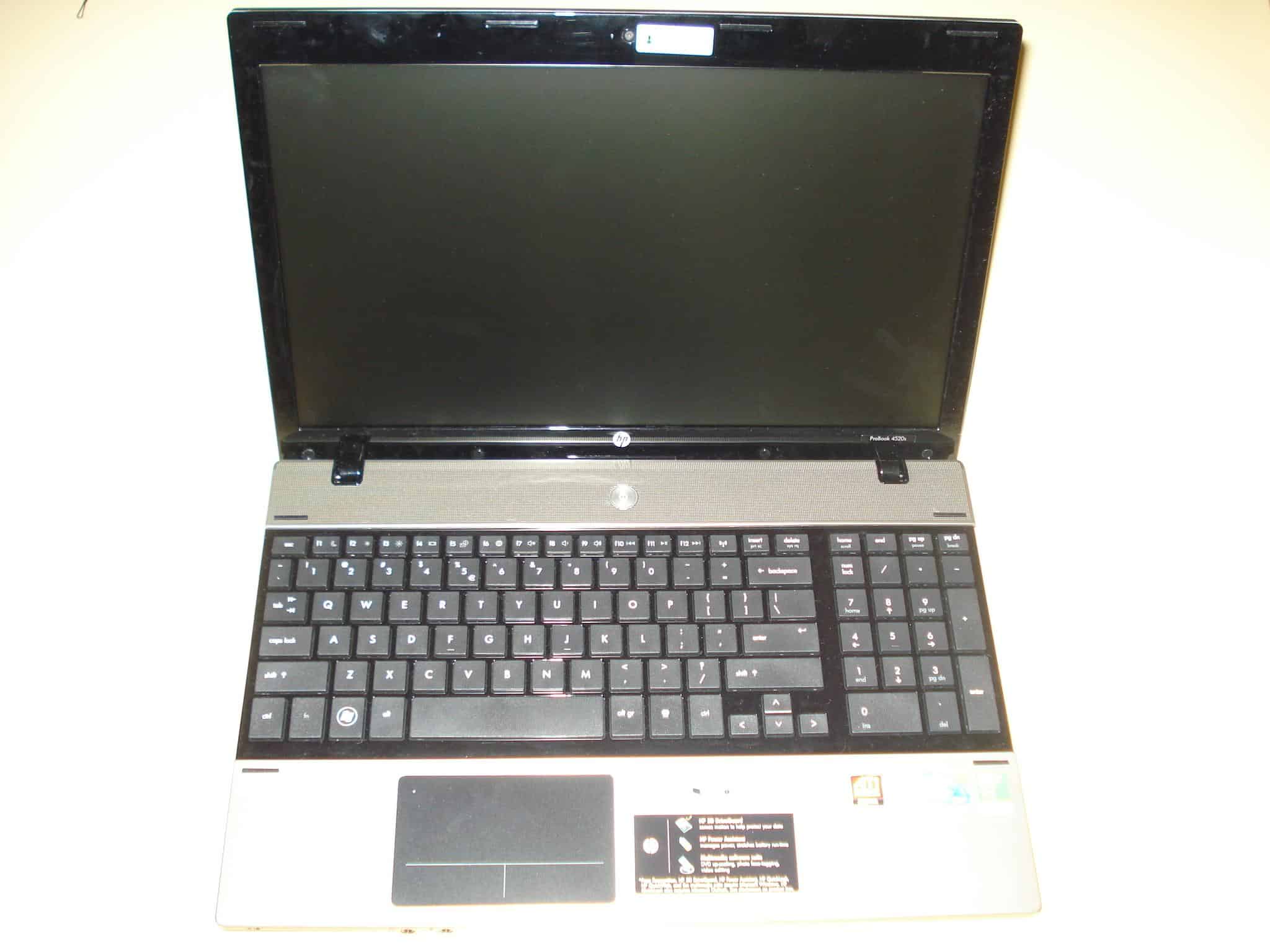
Specs below:
Model: HP ProBook 4520s
The Dell Inspiron N5010 notebook again comes with either I3 I5 or I7 Intel processor, a 15.6″ 1366 x 768 LED monitor, ATI Mobility Radeon HD 5650 with 1GB DDR3 RAM, Intel® HM57 Express Chipset, Bluetooth, 3 x USB 2.0 ports, SRS Premium Speakers, 7in1 card reader, and a 6 cell battery.

HP Probook 4520s Unboxing
Here is the unboxing video of the HP Probook 4520s. I got this a few months ago, and I have almost ready review about it, but I just didn’t have the time to publish it.…
Dell Inspiron N5010 Unboxing
This is the second video I forgot to upload when I got the Dell Inspiron N5010 to let you know what we are about to review. I won’t do that anymore, I promise. You can…

Songbird – Finally Out of Beta!
Songbird 1.0 is now available for download! Yeah. That’s right. Songbird is finally out of beta and is now on version 1.0! After using it for near enough a year now, possibly the best music…

Asus X51L Review
Sorry for the great delay of this review, I was very busy lately working on a new website project for downloading drivers, DriverLot.com. It’s been some time since I’ve published the Asus X51L unpacking video so now you can read the full review finally.
Design
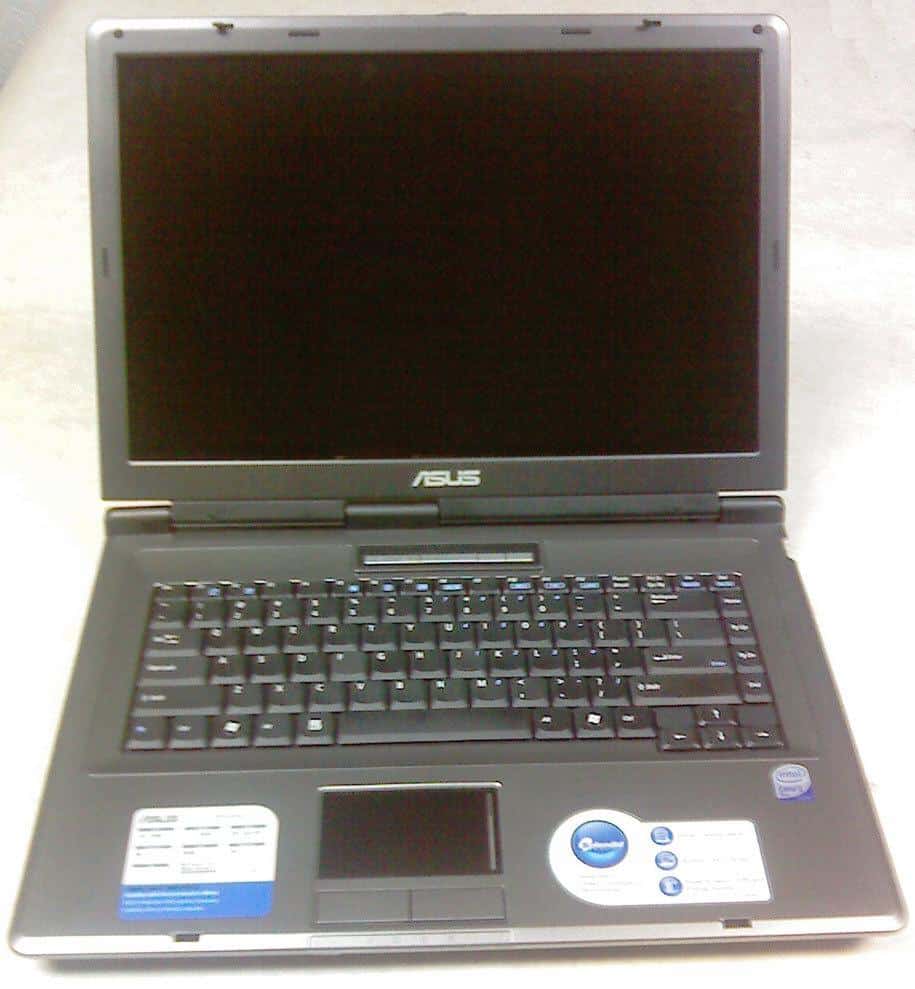
The notebook chassis is a typical for the lower and middle class Asus notebooks, sharp edges, not too thin, not too thick, mostly silver with black around the 15.4″ wide monitor. Simple yet good looking, a much better design than most of the notebooks in this class.
Inside it’s pretty straightforward, a nice keyboard with good response, no keypad which is good because the large touch-pad is placed right in the middle. It’s simplicity is dominating inside also, but the usefulness can be noticed while using it. There are also the hotkey buttons for power up, wireless switch and a power4gear mode switch which are nicely placed on line above the keyboard and have a blue led light in them.
It weights about 6.5lbs (or 2.94kg) with the battery, which is still not bad for a notebook of this class. The length of the legs are not that high, but enough to provide good airflow to cool the Core2Duo processor. What I like about this notebook is that is quite firmly made. The monitor is connected with the chasis with three hindges and there is no way that it can brake with excessive use.

Acer Aspire One vs MSI Wind U100 vs Asus Eee PC
Overview
This is our first review. All kinds of comments, opinions and suggestions are greatly appreciated and mostly welcomed.
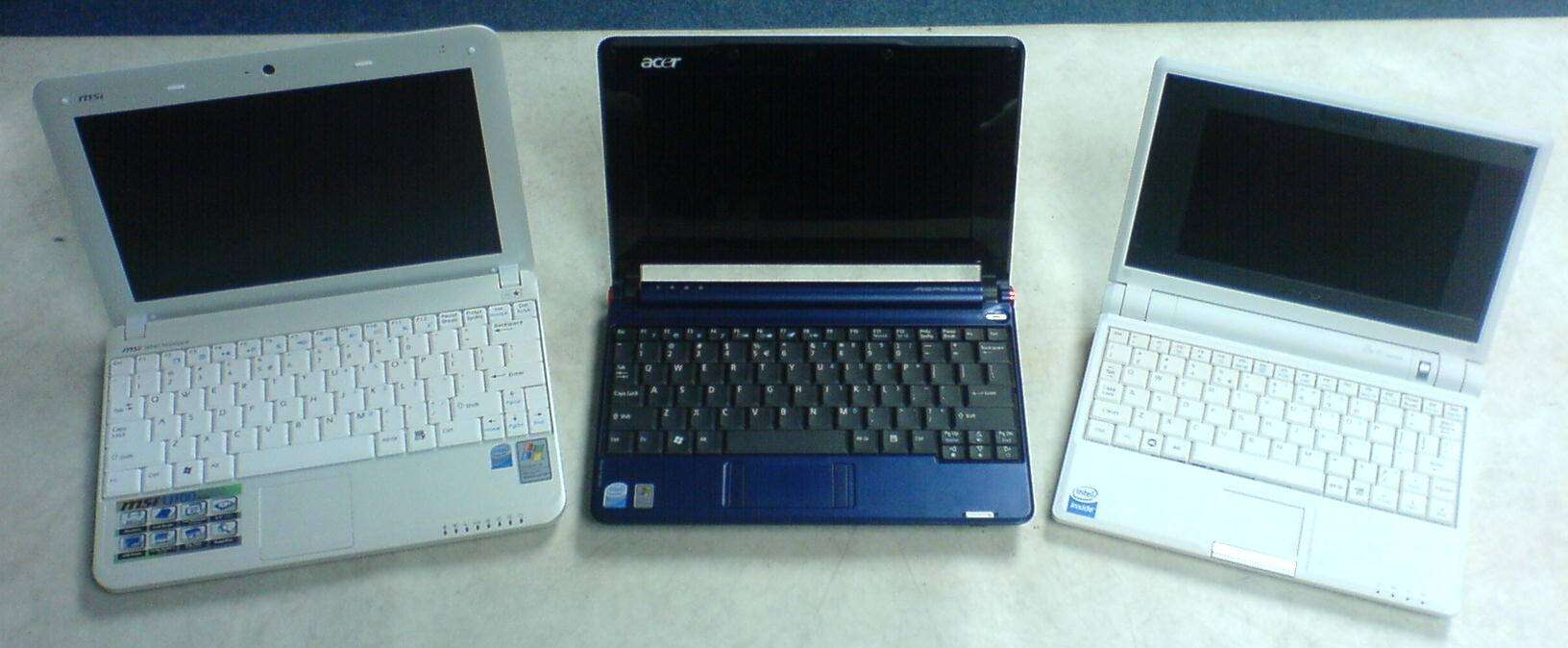
We managed to get our hands on two of the currently three available netbooks with the new Intel Atom processor, MSI Wind U100 and Acer Aspire One. We decided to compare the predecessor of them all, the Asus EEE PC 701 which came out in December 2007. Being an older and more of an experimental model, it is obvious that it is slightly out of the league, but we simply wanted you to see the difference and understand what is so revolutionary about these new models coming up.
On first look it is quite noticeable that the MSI Wind U100 is the biggest of them all, but the compromise on that is it carries a 10″ display, a nice large keyboard and they even managed to put some big air vents to carry away the excess heat. Even though the Intel Atom Processor heats much less than the Intel Celeron of the Asus EEE PC 701, MSI decided to implement their own hardcore tool even to this little guy, the Turbo Drive Engine Technology which overclocks the Intel Atom N270 from 1.6GHz to 1.9GHz (UPDATE: The Turbo Feature is no more, read on to find out more) .
The Acer Aspire One has a 8.9″ display, but that extra 1.1″ doesn’t really make a difference because it has the same resolution as the MSI 1024×600 and have in mind that mobility is the key factor we are after, so with smaller size it fits better on a train or plane table for example. Again we have large keys, with better layout than the MSI, and Acer have built-in two card readers, so you can put one 16GB SD flash card for example which will make your total space 120GB+16GB=136GB if you really need more space, and use the other card reader to transfer your pictures or any data from your camera, but I still find the lack of Bluetooth a little imprudent.