

Asus K72JT Unboxing
Just got a 17 inch notebook from Asus in our labs. It is a budget to medium configuration or it may also be a medium to high depending on the exact model you choose. Here…

HP Probook 4520s Review
Introduction
I know it kinda passed a while since this model is out, and there is a HP Probook 4530s already out there, but I had this charismatic little thing in silver or champagne color as they like to call it. I must say that this color really gives it a more open look and makes it even suitable for girls too, serious ones though. Equipped with the new Intel Core I3 processor, an ATI Mobility Radeon HD 6370, 4GB DDR3 ram, 640GB Hard Drive, Intel HM57 Express Chipset, 15.6 LED Backlit HD display with lots of ports like HDMI, eSATA, USB 2.0 (unfortunately), VGA.
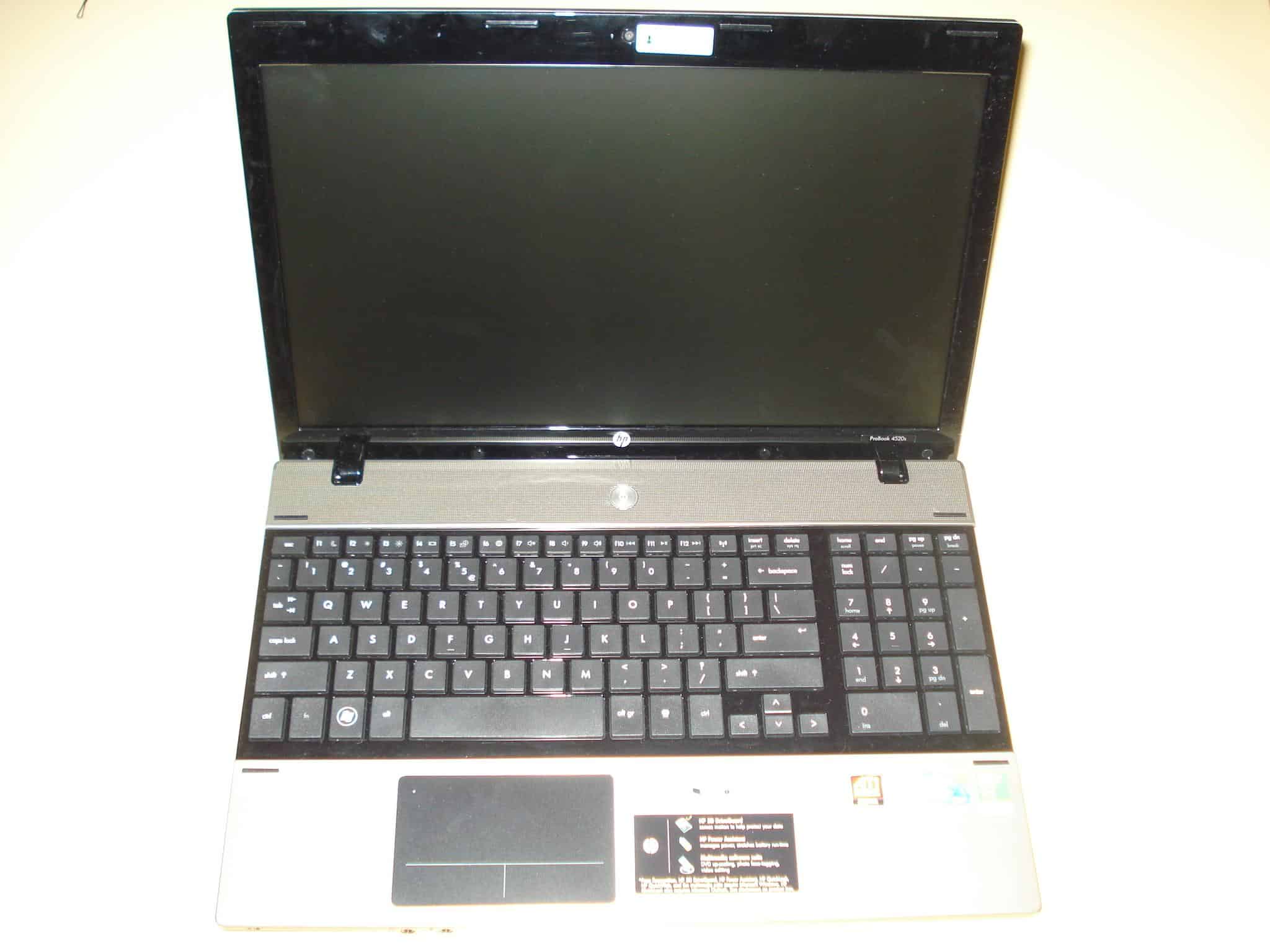
Specs below:
Model: HP ProBook 4520s
The Dell Inspiron N5010 notebook again comes with either I3 I5 or I7 Intel processor, a 15.6″ 1366 x 768 LED monitor, ATI Mobility Radeon HD 5650 with 1GB DDR3 RAM, Intel® HM57 Express Chipset, Bluetooth, 3 x USB 2.0 ports, SRS Premium Speakers, 7in1 card reader, and a 6 cell battery.
HP Probook 4520s Unboxing
Here is the unboxing video of the HP Probook 4520s. I got this a few months ago, and I have almost ready review about it, but I just didn’t have the time to publish it.…

Fix Latest nVidia Mobility Driver to Fit Your Notebook
Well you just bought yourself a new notebook with nvidia graphic card and you found out that the driver on the manufacturer’s support/download page (asus, acer, sony, msi, hp..) hasn’t been updated for some time and now you can’t run your newly bought game for your powerful notebook graphic card (gt 460m, gt 540m, gt 550m or gt 550m ..) or your graphic card performance is compromised. Out of desperation you go to the nvidia support page hoping to find the latest nvidia driver for your notebook. You download it and snap! There’s the error: “NVIDIA Installer cannot continue” – “This graphics driver could not find compatible graphic hardware”.

Don’t worry there is always a way with drivers, that is if you search long enough :) If you have changed a few notebook generations with nvida mobility graphic card through the years, you already know that nvidia doesn’t care particularly about updating their mobility drivers for specific manufacturers which is kind of frustrating. In fact I don’t know if there was a notebook ever built which the official nvidia mobility drivers do support. I’ll show you how to modify the nvidia mobility drivers to make them support your specific hardware. I have done this the easiest way possible for my Asus K53SV and it worked perfectly. It should work for other manufacturers as well, at least it’s worth a try :) .
* If for any reason you cannot do the steps below (lazyness doesn’t count :P ) please just write your notebook model and the Hardware ID from the first step of this guide and I will do my best to modify the driver for you.
Dell Inspiron N5010 Unboxing
This is the second video I forgot to upload when I got the Dell Inspiron N5010 to let you know what we are about to review. I won’t do that anymore, I promise. You can…

Asus K53SV Review
UPDATE 2018: You can find the Asus F510UA i5 2018 model of this laptop here. The reviewed laptop is an older model, so please keep in mind. The linked 2018 Asus laptop is the one we recommend in 2018.
Introduction
After the large success of the Asus K52 Model, which varied between 500-1000$ price range, comes it’s successor the new Asus K53. Understandably it has many advantages raging from a brand new aluminium case, better heating dispersion, new ergonomic chiclet keyboard, and of course the new Intel Core Processors of the second generation.
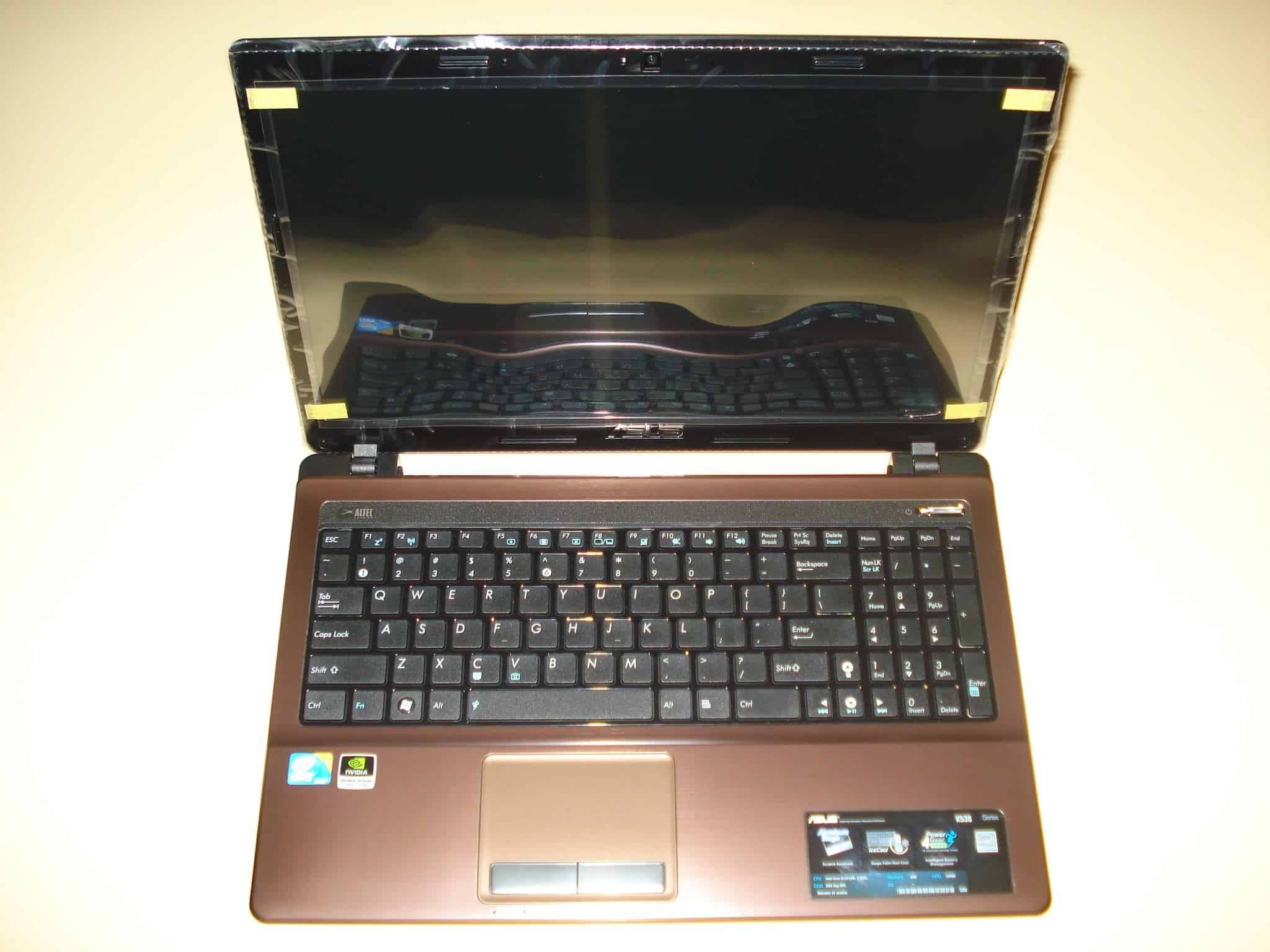
If you consider buying this laptop and this review helped you in any way, the most grateful thing you could do is use any of these links to buy your ASUS K53SV-A1 from Amazon
Let’s begin with the specs:
Model: Asus K53SV
The Asus K53SV notebook can contain any of the second generation I3 I5 or I7 Intel processors, a 15.6″ 1366 x 768 HD LED monitor, nVidia GeForce GT 540M with 1GB or 2GB DDR3 RAM, Intel® HM65 Express Chipset, Bluetooth 3.0, 3 x USB 2.0 ports, Altec Lansing Speakers, 4in1 card reader, and a 6 cell battery of 5200mAh.

Asus X51L Review
Sorry for the great delay of this review, I was very busy lately working on a new website project for downloading drivers, DriverLot.com. It’s been some time since I’ve published the Asus X51L unpacking video so now you can read the full review finally.
Design
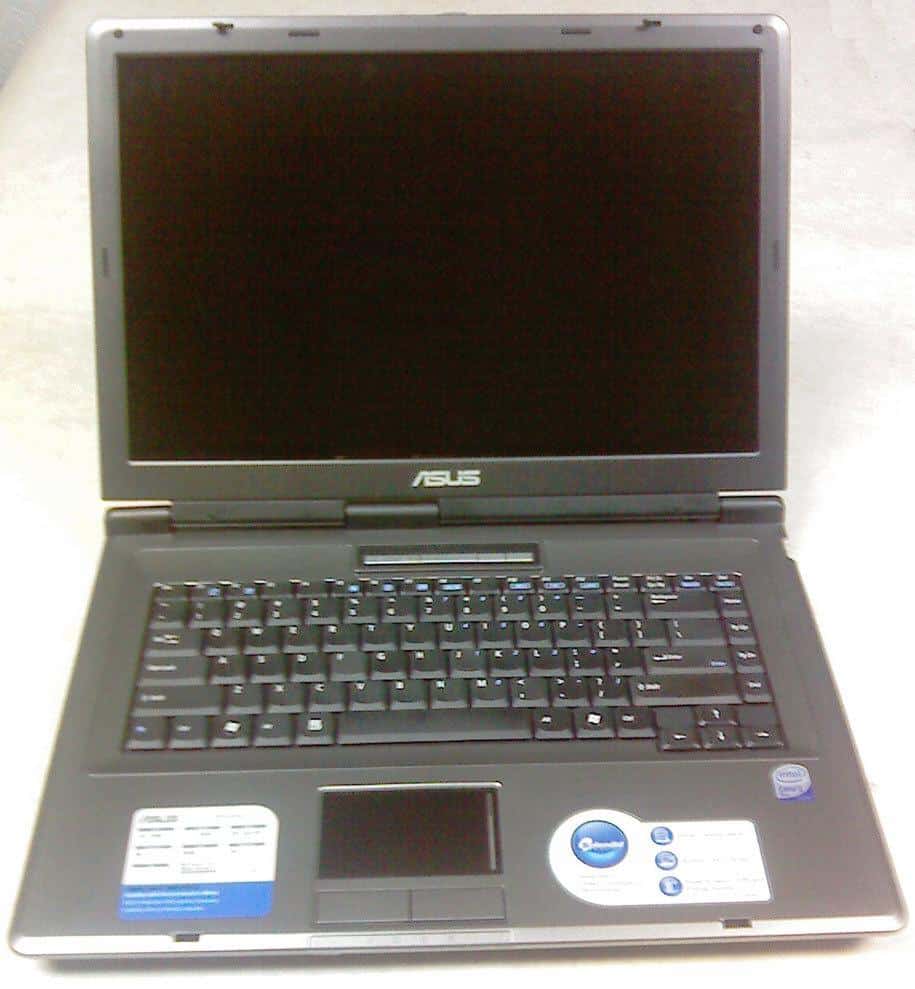
The notebook chassis is a typical for the lower and middle class Asus notebooks, sharp edges, not too thin, not too thick, mostly silver with black around the 15.4″ wide monitor. Simple yet good looking, a much better design than most of the notebooks in this class.
Inside it’s pretty straightforward, a nice keyboard with good response, no keypad which is good because the large touch-pad is placed right in the middle. It’s simplicity is dominating inside also, but the usefulness can be noticed while using it. There are also the hotkey buttons for power up, wireless switch and a power4gear mode switch which are nicely placed on line above the keyboard and have a blue led light in them.
It weights about 6.5lbs (or 2.94kg) with the battery, which is still not bad for a notebook of this class. The length of the legs are not that high, but enough to provide good airflow to cool the Core2Duo processor. What I like about this notebook is that is quite firmly made. The monitor is connected with the chasis with three hindges and there is no way that it can brake with excessive use.