
Fix Latest nVidia Mobility Driver to Fit Your Notebook
Well you just bought yourself a new notebook with nvidia graphic card and you found out that the driver on the manufacturer’s support/download page (asus, acer, sony, msi, hp..) hasn’t been updated for some time and now you can’t run your newly bought game for your powerful notebook graphic card (gt 460m, gt 540m, gt 550m or gt 550m ..) or your graphic card performance is compromised. Out of desperation you go to the nvidia support page hoping to find the latest nvidia driver for your notebook. You download it and snap! There’s the error: “NVIDIA Installer cannot continue” – “This graphics driver could not find compatible graphic hardware”.

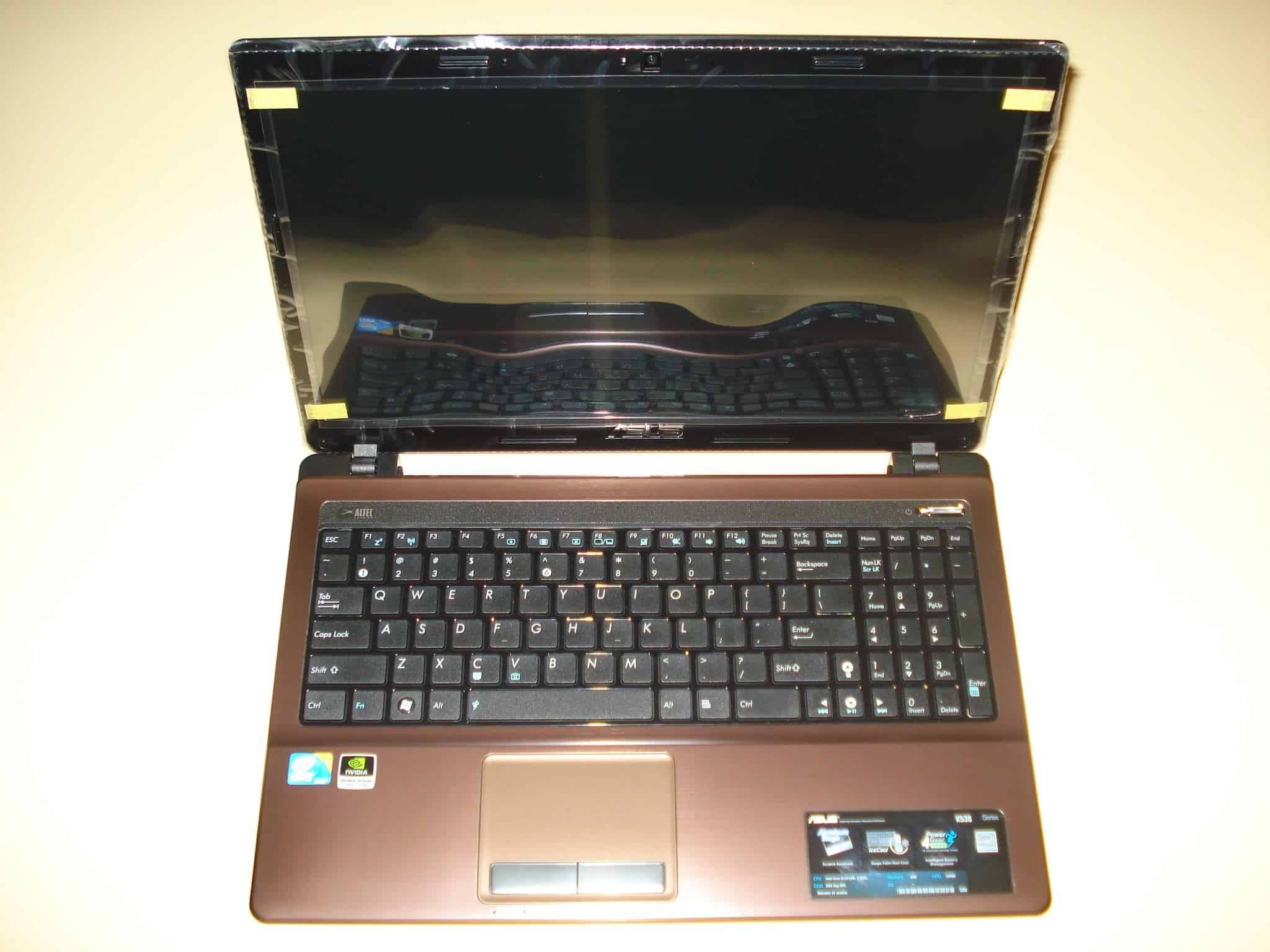
Don’t worry there is always a way with drivers, that is if you search long enough :) If you have changed a few notebook generations with nvida mobility graphic card through the years, you already know that nvidia doesn’t care particularly about updating their mobility drivers for specific manufacturers which is kind of frustrating. In fact I don’t know if there was a notebook ever built which the official nvidia mobility drivers do support. I’ll show you how to modify the nvidia mobility drivers to make them support your specific hardware. I have done this the easiest way possible for my Asus K53SV and it worked perfectly. It should work for other manufacturers as well, at least it’s worth a try :) .
* If for any reason you cannot do the steps below (lazyness doesn’t count :P ) please just write your notebook model and the Hardware ID from the first step of this guide and I will do my best to modify the driver for you.

 . It is huge support for maintaining this website and for us to continue providing you with unbiased reviews. Thank you, Goce.