Skip to content
HP Probook 4520s Opened

HP Probook 4520s Review

  • by

Introduction

I know it kinda passed a while since this model is out, and there is a HP Probook 4530s already out there, but I had this charismatic little thing in silver or champagne color as they like to call it. I must say that this color really gives it a more open look and makes  it even suitable for girls too, serious ones though. Equipped with the new Intel Core I3 processor, an ATI Mobility Radeon HD 6370, 4GB DDR3 ram, 640GB Hard Drive, Intel HM57 Express Chipset, 15.6 LED Backlit HD display with lots of ports like HDMI, eSATA, USB 2.0 (unfortunately), VGA.
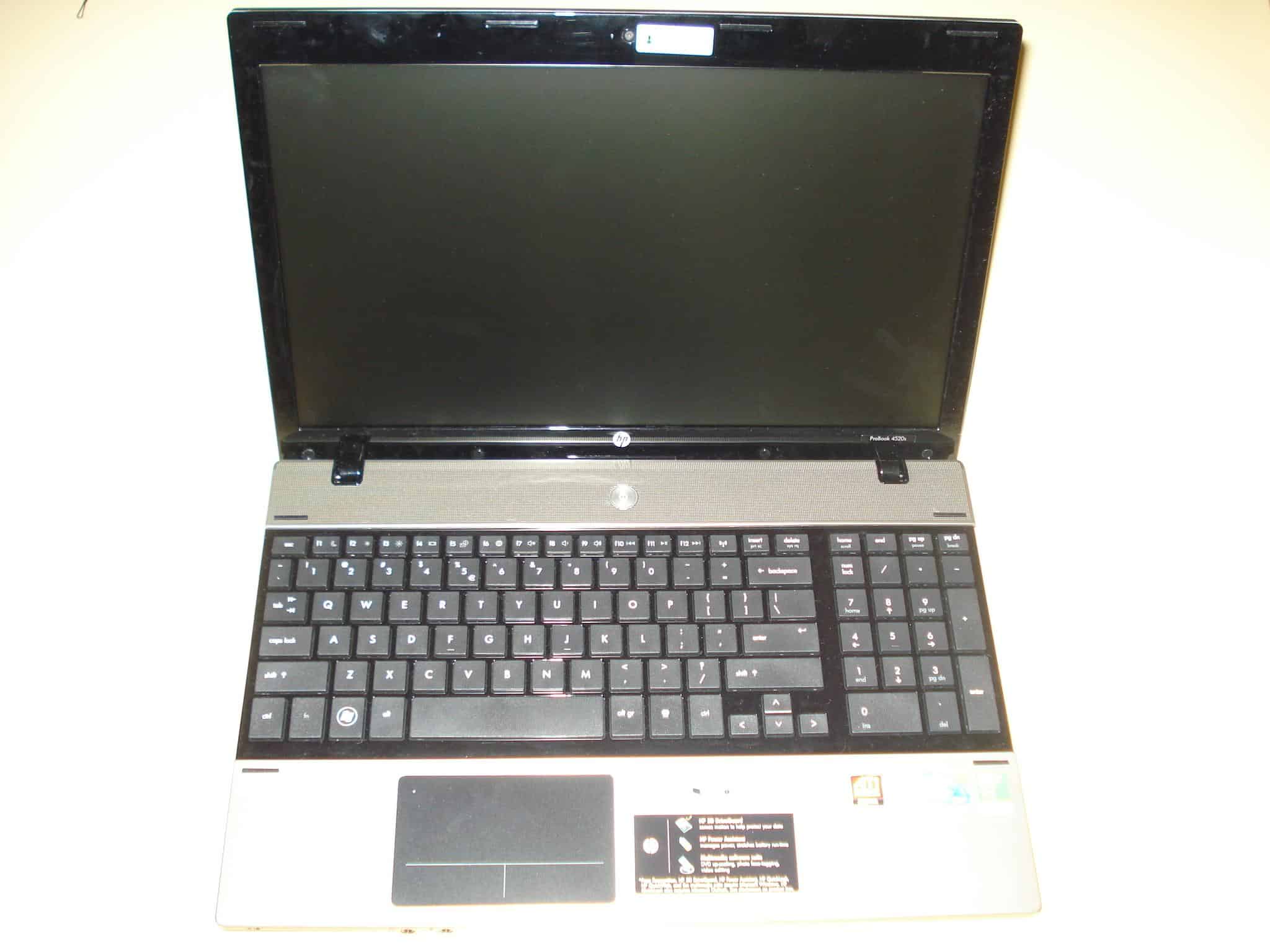
HP Probook 4520s Opened


Specs below:

Model: HP ProBook 4520s

The Dell Inspiron N5010 notebook again comes with either I3 I5 or I7 Intel processor, a 15.6″ 1366 x 768 LED monitor, ATI Mobility Radeon HD 5650 with 1GB DDR3 RAM, Intel® HM57 Express Chipset, Bluetooth, 3 x USB 2.0 ports, SRS Premium Speakers, 7in1 card reader, and a 6 cell battery.

HP Probook 4520s Review

Pages: 1 2 3 4 5 6 7
Find Hardware ID in File

Fix Latest nVidia Mobility Driver to Fit Your Notebook

  • by

Well you just bought yourself a new notebook with nvidia graphic card and you found out that the driver on the manufacturer’s support/download page (asus, acer, sony, msi, hp..) hasn’t been updated for some time and now you can’t run your newly bought game for your powerful notebook graphic card (gt 460m, gt 540m, gt 550m or gt 550m ..) or your graphic card performance is compromised. Out of desperation you go to the nvidia support page hoping to find the latest nvidia driver for your notebook. You download it and snap! There’s the error: “NVIDIA Installer cannot continue” – “This graphics driver could not find compatible graphic hardware”.


Nvidia Installer cannot continue


Don’t worry there is always a way with drivers, that is if you search long enough :) If you have changed a few notebook generations with nvida mobility graphic card through the years, you already know that nvidia doesn’t care particularly about updating their mobility drivers for specific manufacturers which is kind of frustrating. In fact I don’t know if there was a notebook ever built which the official nvidia mobility drivers do support. I’ll show you how to modify the nvidia mobility drivers to make them support your specific hardware. I have done this the easiest way possible for my Asus K53SV and it worked perfectly. It should work for other manufacturers as well, at least it’s worth a try :) .


* If for any reason you cannot do the steps below (lazyness doesn’t count :P ) please just write your notebook model and the Hardware ID from the first step of this guide and I will do my best to modify the driver for you.

Fix Latest nVidia Mobility Driver to Fit Your Notebook